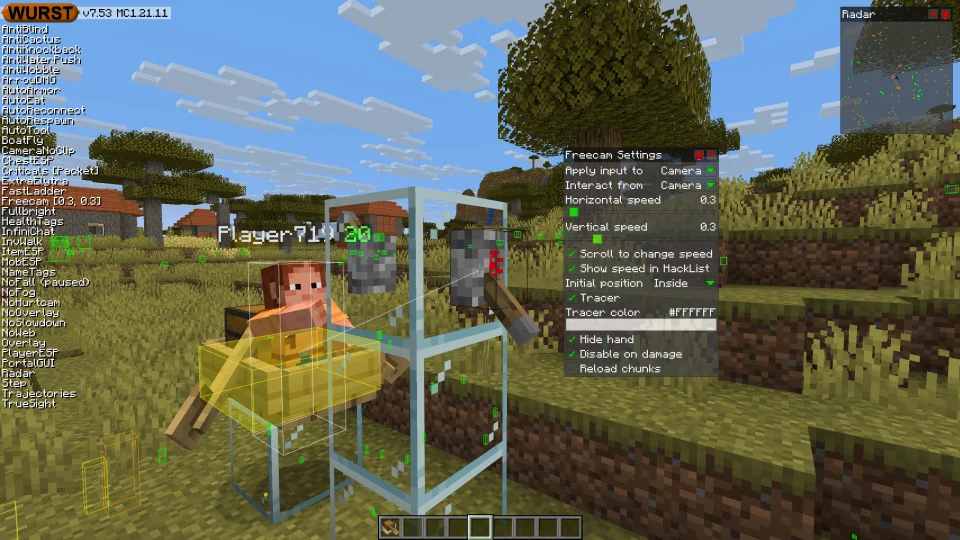
Please fix Freecam. I always use the Litematica mod's region selection tool in Freecam. I click on blocks to select an area. The problem is that with the latest Wurst updates, when I click on a block in Freecam, only the block the player model is looking at is clicked, not the flying camera. Please bring back the ability to specifically click on blocks in Freecam's flying camera mode. I wouldn't want to download an old version of Minecraft just to use Freecam comfortably and not be able to hide the Wurst logo

In the screenshot, you can see that the player model is looking at a tree, while the camera is pointing at the ground. In flight mode, when I click the mouse toward the ground, I select the tree the player model is looking at, not the ground I'm looking at through Freecam.